This guide explains how partners can verify access, request access when needed, navigate between customer accounts, and understand common issues.
How to check if you as a partner already has account access
- Open the SST interface via the Usercentrics login homepage or directly via this link.
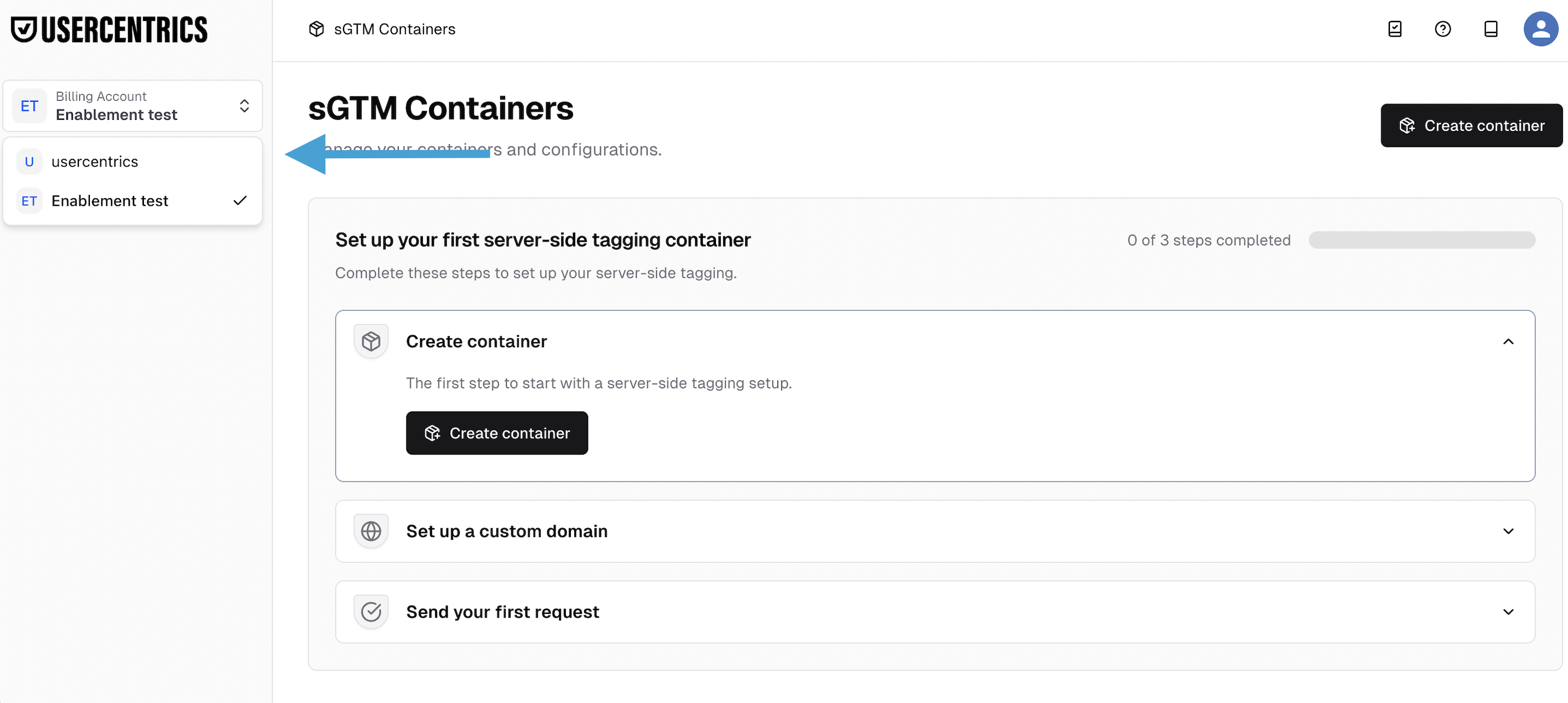
- Navigate to Billing Account overview in the Menu-tab on your left hand side.
- If the customer appears in the list, you already have access. If not, the customer must grant it (see next section).
- Select the customer account you want to work on.
- You’ll now be able to open and manage their container (based on your permissions).
What to do if you don’t have access to your customer account?
Please instruct your customer to follow these steps:
- Open the CMP interface via the Usercentrics login or directly via this link.
- Navigate to Profile → Account & Billing.
- Scroll down to Account Access.
- Select + Manage Access.
- Add your partners email and confirm the access level
*please review access level permissions below - Your partner will now receive an email confirming their access to the selected account.